Fully deployed
Y-Checklist
Streamlining documentation for a global immigration consultancy.
The problem
The trigger
One near-miss exposed a critical flaw in the process.
-
The incident
A consultant nearly uploaded an uncorrected visa document instead of the final, verified version sent by the client.
-
Why it mattered
It would have ended in disaster: the visa declined, and the time and effort invested gone to waste.
-
The result
Caught early by senior managers, it exposed a critical flaw in the process and led to the creation of Y-Checklist.
“If my manager hadn’t caught my mistake in time, it could have been disastrous. I might have even lost my job!”
The problem
Documents were scattered across email and WhatsApp.
Consultants faced confusion and errors because documents were exchanged over multiple channels. Clients didn’t get proper feedback on what they shared. That led to misplaced files, incorrect uploads and redundant corrections.
At Y-Axis, India’s No. 1 immigration visa consultant, every application depends on a precise set of documents. A missing page or an outdated certificate can delay the whole journey.
- Client
- Consultant
- Portal / form
Phase 01 · Client
Document collection & verification
Phase 02 · Consultant
Consultant review & edit
Research
The people who run the process.
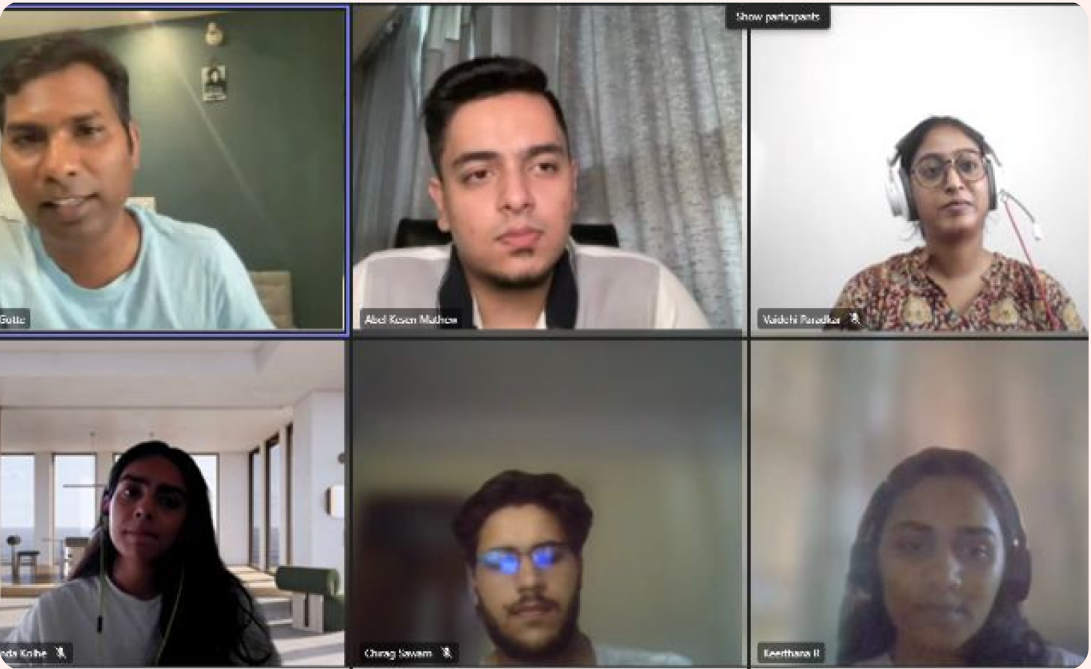
I worked with clients and stakeholders and interviewed around 50+ users to understand the pain points and needs before designing the module: stakeholder interviews, process walkthroughs, artifact review, journey mapping and an audit of the existing product.
Journey map
The journey map.
Select the map to see it full size.
“I know I uploaded the document, but I don’t know which format is correct or what the next steps are.”
“The hard part isn’t asking for a file. It is explaining why it was rejected, finding the latest version and tracking it all in one place.”
“I keep uploading my resume multiple times without any clear feedback, so the editing process is delayed.”
Key research insight
The core issue wasn’t uploading documents. It was getting a single source of truth.
Requirements, specifications, status, refusal reasons and conversations had to stay with the document through every version and handoff. So the goal became: make documentation self-explanatory for clients and centralised for consultants.
- Client Pending Sees what to upload and why.
- Shared record Under review The file lands in one record, not an email thread.
- Consultant Refused Refuses with a predefined reason that stays with the file.
- Client Re-uploaded Sees exactly what was wrong and uploads version 2.
- Shared record Accepted Every version, reason and message in one place.
One passport, one record: pending, under review, refused, re-uploaded, accepted.
The design
Principles
Four principles shaped every screen.
-
01
Checklist, not a file dump
Group requirements by service and show only what applies to the client’s case.
-
02
Conversation in context
Consultants comment directly on the platform, and clients ask questions with context.
-
03
Visible progress
Every state is explicit: not started, uploaded, in review, needs work, rejected or verified.
-
04
Centralised process
Every document interaction in one place, with less reliance on email and WhatsApp.
User flows
Two portals. One shared record of truth.
The client and consultant move through different tasks, but meet at the same document state and conversation.
Client portal
- Select checklist See the services and requirements assigned.
- Read instructions Review specifications and samples.
- Upload document Add the current file against the item.
- Resolve feedback Edit, ask questions and re-upload.
Consultant portal
- Create checklist Start from a product or master checklist.
- Personalise Add client details and applicable items.
- Verify document Check the file against its specifications.
- Accept or refuse Record reasons and notify the client.
Consultant’s end
Client’s end
Client portal · Y-Axis design system
Know what to upload and why.
A personalised checklist shows the selected services, document status and deadline without exposing the complexity behind the case.
- Grouped by status. Pending, under review, refused and approved each have a tab.
- Status and deadline. Priority and progress are visible at a glance.
- A thread per document. Every document has its own focused conversation.
Upload
Re-upload
Consultant portal · Salesforce
Review, refuse and respond in one place.
A panel with checklist templates, plus the option to create customised ones. Every document is grouped by its review status, with a separate section for feedback on each one.
Refuse
Review
Impact
Released in 2023 across the whole Y-Axis process.
- Fewer document errors
- 60%
- More first-time approvals, fewer last-minute rejections.
- Faster approvals
- 50%
- Total process time roughly halved.
- More clients per consultant
- 15%
- Better transparency also lifted satisfaction and NPS.
- Clients served a year
- 1M+
- Through 1,500+ consultants.
“Y-Checklist has completely transformed the way we handle documentation! What used to be a frustrating, time-consuming process is now so much smoother and stress-free.”
Takeaway
Y-Checklist turned documentation from a sequence of disconnected requests into a transparent collaboration between client and consultant.
This project gave me full ownership of a design initiative. Working closely with top product experts, I gained mentorship that pushed me to refine my craft.
Contact
Let's work together to create something amazing. I'm always excited to discuss new opportunities and innovative projects.